HTML | Очистка поля ввода
Опубликовано: 27 Февраля, 2022
Очистить все поле ввода без необходимости удалять все вручную Или что, если в поле ввода уже есть предварительно предложенный ввод, который пользователю не нужен. Сценариев может быть много. Поэтому в этой статье мы узнаем, как очистить поле ввода.
Есть два способа сделать это, и оба они очень простые и короткие. Давайте посмотрим на них обоих.
Метод 1. Сброс ввода в фокусе.
Синтаксис:
<input onfocus = this.value = ''>
Подход:
- Создайте поле ввода.
- Установите для атрибута onfocus значение NULL, используя this.value
Example:
<!DOCTYPE html><html> <body> <body style="text-align:center"> <h2 style="color:green">GeeksForGeeks</h2> <h2 style="color:purple">Clearing Input Field</h2> <p>The below input field will be cleared, as soon as it gets the focus</p> <input type="text" onfocus="this.value=""" value="Click here to clear"> </body> </html> |
Выход:
До: 
После: 
Метод 2: Очистить ввод с помощью кнопки.
Синтаксис:
<button onclick = "document.getElementById ('InputID'). value = ''>Approach:
- Create a button.
- Get the id of input field.
- Set the value NULL of input field using document.getElementById(‘myInput’).value = ”
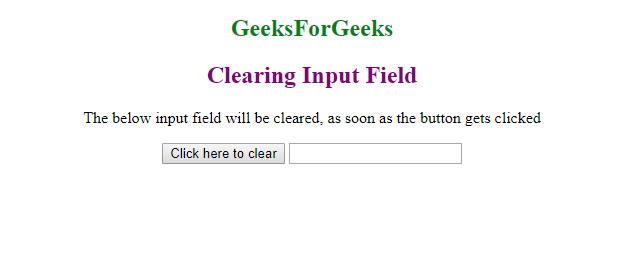
<!DOCTYPE html><html> <body style="text-align:center"> <h2 style="color:green"> GeeksForGeeks </h2> <h2 style="color:purple"> Clearing Input Field </h2> <p>The below input field will be cleared, as soon as the button gets clicked </p> <button onclick= "document.getElementById( "myInput").value = """> Click here to clear </button> <input type="text" value="GeeksForGeeks" id="myInput"></body> </html> |
Выход:
До: 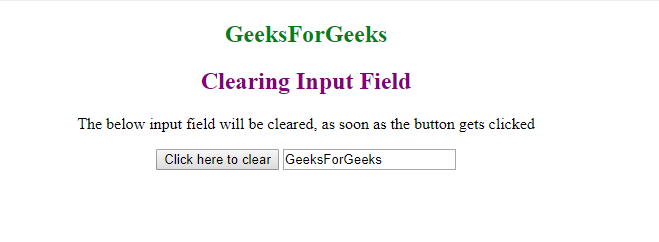
После: